

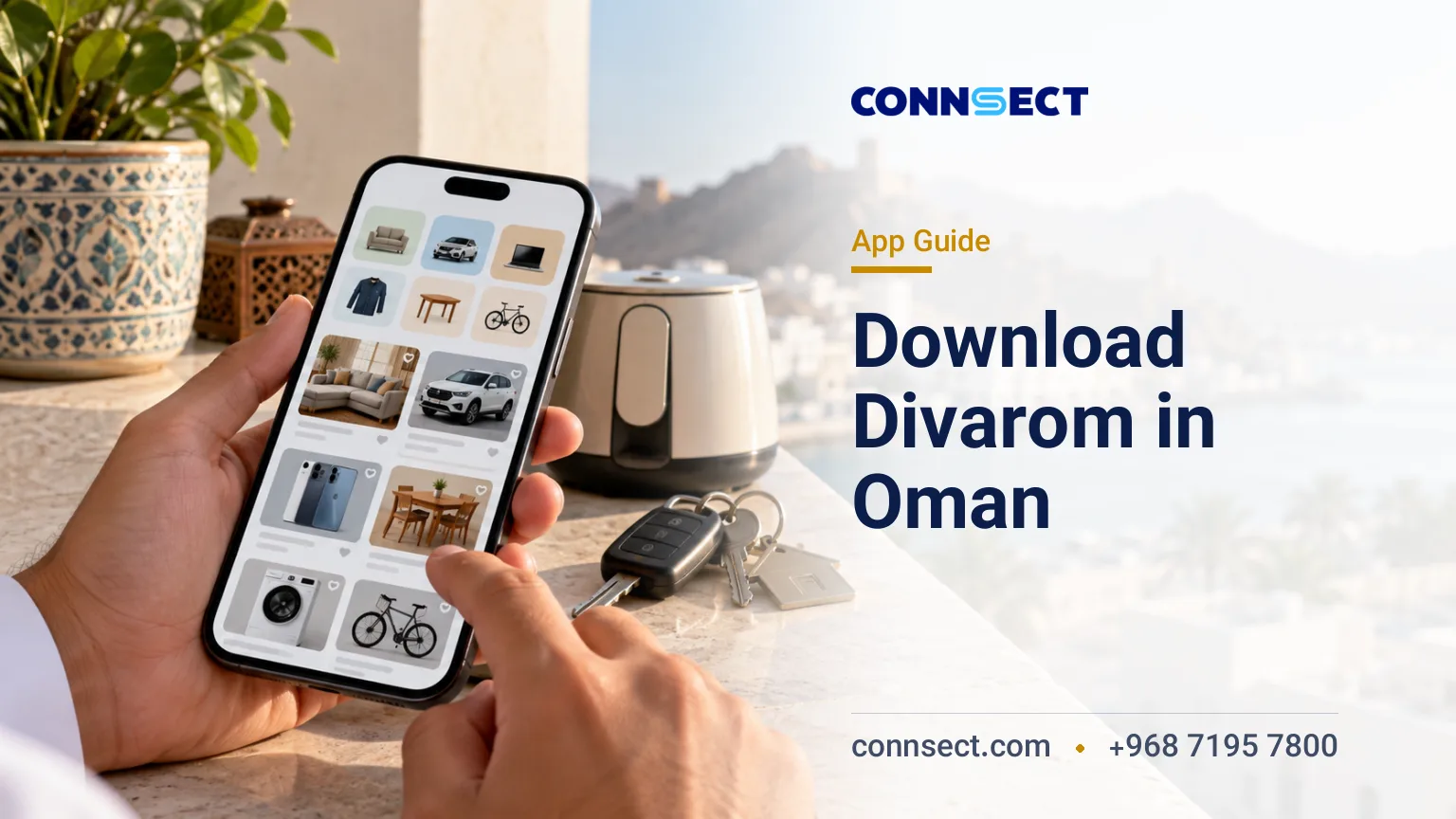
To download the Divarom Oman app, use the official Google Play listing for Android or the Apple App Store listing for Oman on your iPhone. Divarom is a classifieds marketplace for buying and selling new and used goods and advertising services in Oman. This guide covers installation, device compatibility, account setup, posting listings and practical precautions before you contact a seller or arrange a payment.
At a glance
- Android: Install through Google Play using the official app listing.
- iPhone: Download through the Apple App Store; the listed minimum requirement is iOS 15.6.
- Main purpose: Browse classified ads, list goods and services, and contact other users.
- Languages: The iOS listing identifies English and Persian among the app's languages.
- Advertising: The app description promotes free ad posting. Check the terms of any additional feature before paying.
- Safety: Verify goods, sellers, payment details and privacy permissions independently.
What is the Divarom Oman app?
Divarom is a local classifieds app intended for people looking to buy or sell goods and advertise services in Oman. Its listed features include categories for goods and services, searchable advertisements, images and descriptions for listings, and direct communication between buyers and sellers.
The platform can be useful when furnishing a home, selling unwanted household items or finding products and services in the local market. Its value depends on the relevance and quality of listings available for your location and category, so check the actual results before relying on it for a particular purchase.
Divarom should not be confused with Iran's domestic Divar marketplace. Although the names are similar and Persian is listed among the app's languages, the app discussed here is intended for the Omani market. A familiar language can make browsing easier, but the location, price, delivery arrangements and terms of a transaction still need to be checked individually.
Who should use Divarom?
Divarom may suit residents, expatriates and other users looking for local buying and selling opportunities in Oman. It can also provide a channel for individuals offering goods or services to describe what they have available.
Residents and newcomers
People settling in Muscat or another Omani city may want to find household goods, furniture or other secondhand items. Before agreeing to buy, confirm the item's condition, the final price, collection or delivery arrangements, and whether you can inspect it in person.
Private sellers and service providers
Users who want to advertise an item or service can use the listing features described by the app. A useful advertisement should state what is being offered, describe its condition accurately and include clear, relevant photographs. Service providers should describe the scope of the service without making claims they cannot substantiate.
Persian-speaking users
The iOS listing includes Persian among the supported languages, alongside English. This may help Persian-speaking users understand the interface, but it does not mean every listing is written in Persian or that every seller communicates in that language. English search terms can also help when looking for products commonly advertised under English names.
Official Divarom download links
Use the store appropriate to your device rather than downloading an installer from an unfamiliar website. The official store page gives you the app identity and the compatibility information available for your device.
Download for Android
Open the Divarom Google Play page and review the application details before installing. The Android package identifier is com.divar.divar_oman, which can help you distinguish the intended listing from similarly named applications.
If the page is unavailable, check your internet connection, Google Play account and device compatibility. Store availability can vary with account and regional settings. Avoid installing an APK from an unknown source simply because the official listing is difficult to access; an unfamiliar installer may have been modified or may request unnecessary permissions.
Download for iPhone
Open the Divarom listing in the Oman App Store. The listed minimum requirement is iOS 15.6, so check your iPhone's installed software version before attempting to download the app.
If the listing does not appear in your App Store, open the direct link and check your account's regional settings and device compatibility. Changing your Apple Account region can affect access to other store content and services, so review the implications before making a change solely to install one app.
How to install and start using Divarom
Once you have selected the correct store listing, installation is straightforward. The steps after opening the app depend on the sign-in and account options presented on your device.
- Open the official listing. Choose Google Play for Android or the Apple App Store for iPhone, and check the app name and developer information.
- Check compatibility. For iPhone, compare your software version with the listed iOS 15.6 minimum. For Android, follow the compatibility information shown by Google Play.
- Install the app. Select the store's install or download option and wait for the process to finish. Do not run unrelated installation files offered by third-party websites.
- Explore the interface. Open the app and review the available categories, search tools and listing options before entering personal information.
- Complete sign-in if required. Follow the instructions displayed within the app. Enter account details and verification codes only in the legitimate sign-in flow.
- Search for a listing. Choose a relevant category, enter the product or service name, and review the description, photographs and seller's terms.
- Publish an advertisement if needed. Prepare a clear title, accurate description and relevant photographs. Check the final listing for mistakes and unnecessary personal information before publishing.
If registration or posting fails, read the error message and retry the steps provided by the app. For a persistent problem, use the support route available through the app or its store listing rather than sharing account credentials with someone offering unofficial assistance.
What do you need to use the app?
Start with a compatible phone, an internet connection and access to the relevant app store. Any additional account requirements should be followed as they appear in the app's own registration process.
- A compatible device: The iPhone listing requires iOS 15.6 or later. Android users should check Google Play's compatibility information for their device.
- Internet access: Downloading the app, viewing advertisements and using online features require connectivity. Your mobile operator's data charges may apply.
- Account information: Provide only the details requested by the app's sign-in or registration process. Never disclose your password or one-time verification code to another user.
- Accurate listing details: Use a specific title, a truthful description and photographs that represent the actual item or service.
- Careful contact sharing: Review which details will be visible publicly before publishing a phone number, address or identifying information.
- Appropriate advertisements: Check the app's terms and any applicable restrictions before listing goods or services subject to legal or platform requirements.
Do not assume that a particular phone number or registration method is required before you reach the sign-in screen. Follow the options presented in the current app and avoid sending identity documents or verification codes through unofficial channels.
How to find and publish useful listings
Divarom's principal functions are browsing advertisements, publishing listings and communicating with other users. The quality of your results depends on how precisely you search and how carefully you assess each offer.
Search by category and product name
Start with the closest available category and use a specific product name. If your search returns few relevant results, try a common alternative name or an English product term. Read the full advertisement rather than relying only on its title or thumbnail image.
Prepare a clear advertisement
For a secondhand item, explain its condition, age where relevant, included accessories and any defects that could affect a buyer's decision. Use photographs of the actual item and avoid images that conceal damage. For services, describe the work offered and the relevant conditions in plain language.
Agree on the transaction before paying
Use direct communication to clarify the final price, collection or delivery arrangements and any conditions attached to the sale. For expensive items, an in-person inspection can help establish whether the goods match the advertisement. Keep a record of the agreed terms and use a payment method you can independently verify.
Download costs and advertising charges
The app description promotes free advertisement posting. That does not mean every optional feature, delivery arrangement or transaction-related expense is free, so review the terms displayed for the specific service you intend to use.
| Item | What to expect | Practical check |
|---|---|---|
| Android installation | Available through Google Play | Review the listing and your device's compatibility. |
| iPhone installation | Available through the Apple App Store | Check the iOS 15.6 minimum requirement. |
| Posting an advertisement | Free posting is promoted in the app description. | Read the terms for any additional feature before paying. |
| Mobile data | Depends on your network plan and usage. | Check your operator's applicable data charges. |
| Delivery and collection | Depends on the agreement between the parties. | Set the arrangements and any charges before committing. |
If another user requests a separate payment, ask what it covers and obtain clear terms before transferring money. Do not treat a listing's presence on the platform as proof that the seller, item or payment request has been independently verified.
Privacy and safety when using Divarom
A classifieds platform connects users, but it does not replace your own checks of a seller, a product or a transaction. Assess the offer independently and share only the information needed to complete the interaction.
- Inspect a secondhand item and ask about defects before agreeing to buy.
- Do not send identity documents, banking credentials or sensitive personal details to another user without a clear and legitimate reason.
- Never share passwords or one-time verification codes with someone claiming to be a buyer, seller or support representative.
- Verify a payment through your own banking channel rather than relying on a screenshot sent by the other party.
- Clarify any differences between the advertised condition, price and delivery terms before proceeding.
- Review the permissions requested by the app and consider whether they are relevant to the feature you want to use.
Privacy disclosures also deserve attention. Google Play's data safety information describes the categories of information the app may collect and includes disclosures concerning personal information, photographs and videos, as well as data encryption. Read the current disclosure before use and remember that developer-provided store disclosures are not an independent security audit.
Divarom compared with other Oman classifieds apps
Divarom is one option for local advertisements, but the best marketplace depends on the category you need and the listings available at the time. Compare the relevance of results, language options, contact methods and the conditions of individual advertisements instead of choosing an app by name alone.
Connsect's guide to useful apps for residents in Oman covers other services, including classifieds platforms such as Dubizzle and OpenSooq. That broader guide can help you compare options, while the official Divarom store listings remain the appropriate starting point for downloading this particular app.
Common installation and account problems
Start by checking device compatibility, connectivity and store settings before reinstalling the app or changing account details. The exact error message is often the most useful starting point for resolving an installation or sign-in issue.
Divarom does not appear in the store
Open the direct store link and check your account's regional settings and device compatibility. If the listing remains unavailable, contact the relevant store or app support channel. Avoid substituting an APK from an unfamiliar website for the official Android listing.
The installation fails
Check your available device storage, internet connection and operating system version. On iPhone, the iOS 15.6 minimum is particularly important. On Android, review any compatibility message displayed by Google Play before trying again.
Sign-in or advertisement posting fails
Review the information entered and follow the app's displayed instructions. If the problem persists, use the available support route and describe the error. Never provide your password or verification code to an unofficial account in an attempt to resolve it.
Frequently asked questions
Your next step
If you want to buy or sell locally in Oman, start with the official store link for your device and explore the available categories before publishing an advertisement. Keep listings accurate, check privacy settings and agree on transaction terms before paying or handing over goods.
If your plans extend beyond using a classifieds app to establishing a business or exploring residency options in Oman, Connsect can help you assess the relevant requirements. The first consultation is free; use the Connsect consultation request page to discuss your situation.






Comments & experiences
Share a useful experience or ask a relevant question.